


LIST & ADVERTISE
Put the property first.
Keep the connection.
A clear home for your listings, from first impression to buyer inquiry. Present the details, follow the interest and respond from your own workspace.
Homes · Land · New construction · Rentals · Commercial
 Direct buyer contact
 One listing across relevant feeds
 Activity with clear definitions
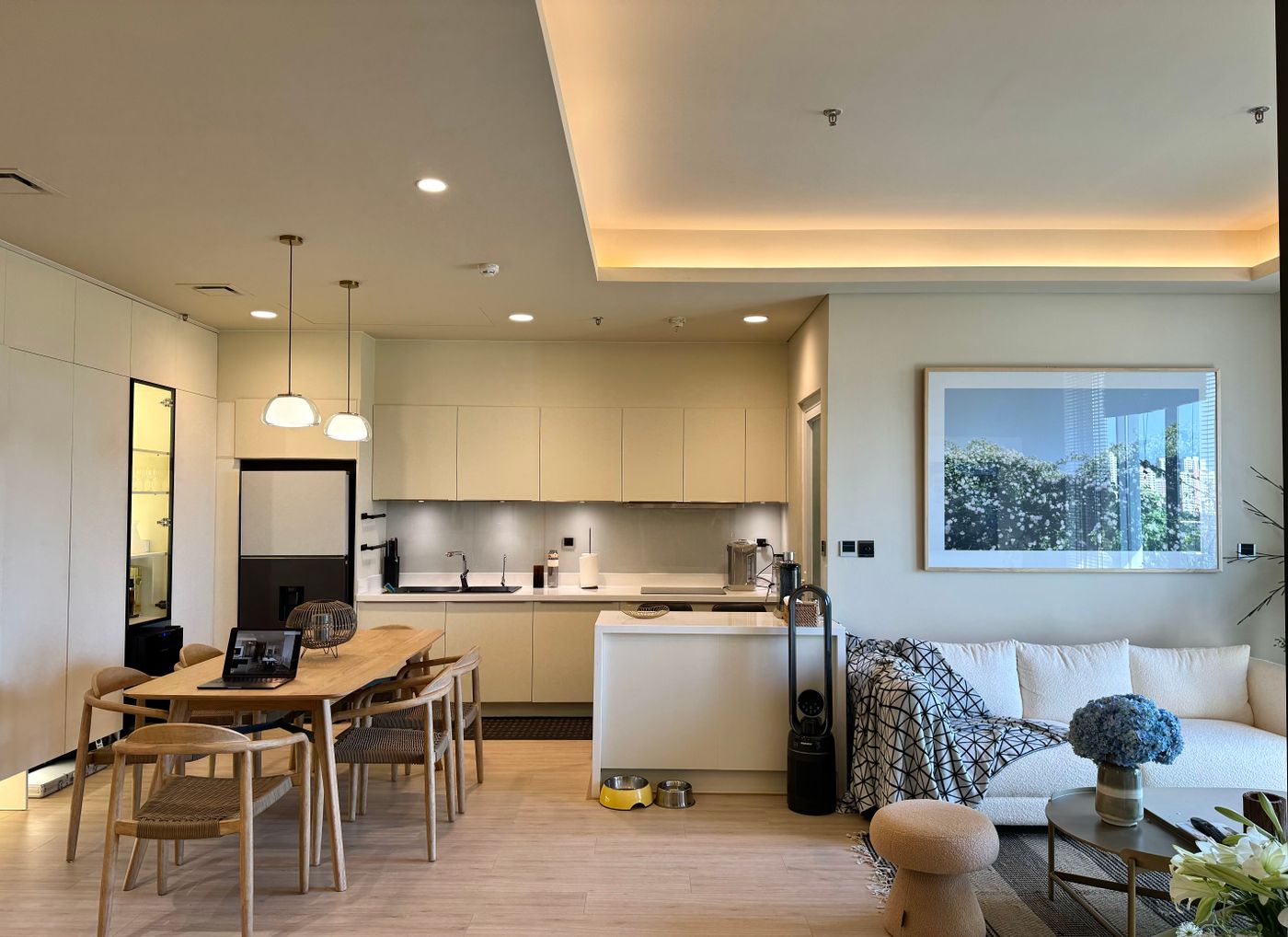 Photos. Facts. A clearer first impression.
PRESENT THE PROPERTY
More than a photo
and a price.
Give buyers a useful view before they reach out. Organized details keep the important information easy to find.
- Show the space
- Up to 50 photos, an enlarged gallery and captions.
- Bring the details together
- Structured facts, the MLS listing number, property costs and asking-price history.
- Plans, plats and documents
- Floor plans, plat maps, surveys and disclosures the listing team shares.
YOUR LISTING TEAM
The next conversation
should be yours.
Form inquiries are routed to the team responsible for the listing. Calls and texts use the number you publish. Buyer contact is not redirected to a competing advertiser.
How buyer information is handled →Your property listingCall · Text · Send an inquiryYour listing teamReply directly. Keep the relationship.A contact click records intent, not a completed conversation.
UNDERSTAND THE INTEREST
See what buyers do.
Know what the numbers mean.
Explore listing activity without a dashboard full of competing charts. Start with the overview, then open the report that answers your question.
Discovery
Card clicks that open your listing from Addresswell property cards, and listing views.
Engagement
Saves and estimated active time on the listing page, with how many visits could be measured.
Contact
Messages received through your listings, with Call, Text and Email link taps counted separately.
Each listing
A report per listing for the last 7, 30 or 90 days, compared with the period before and exportable as CSV.
These figures are in Listing analytics and each listing’s report in your workspace, with a daily chart and a plain-language definition for every number. Reports reflect activity recorded by the platform; missing observations stay empty. Your own team’s and admin visits are excluded. Recorded actions aren’t unique people, and a contact tap doesn’t confirm a conversation.
FROM DRAFT TO DISCOVERY
A straightforward
way to get started.
Set up your workspace
Create and verify your professional account, then choose a plan.
Build the listing
Enter the facts, add authorized photos and choose your contact details.
Submit for review
Approved listings with an active plan enter the relevant searches and feeds.
Follow the interest
Review activity and respond to buyers directly from your workspace.
PLANS
Choose the room you need.
Same core tools on every plan. Different inventory, team and promotion allowances.
Compare plans →- Starter$49 / month
- Most popularPro$99 / month
- Pro Plus$149 / month